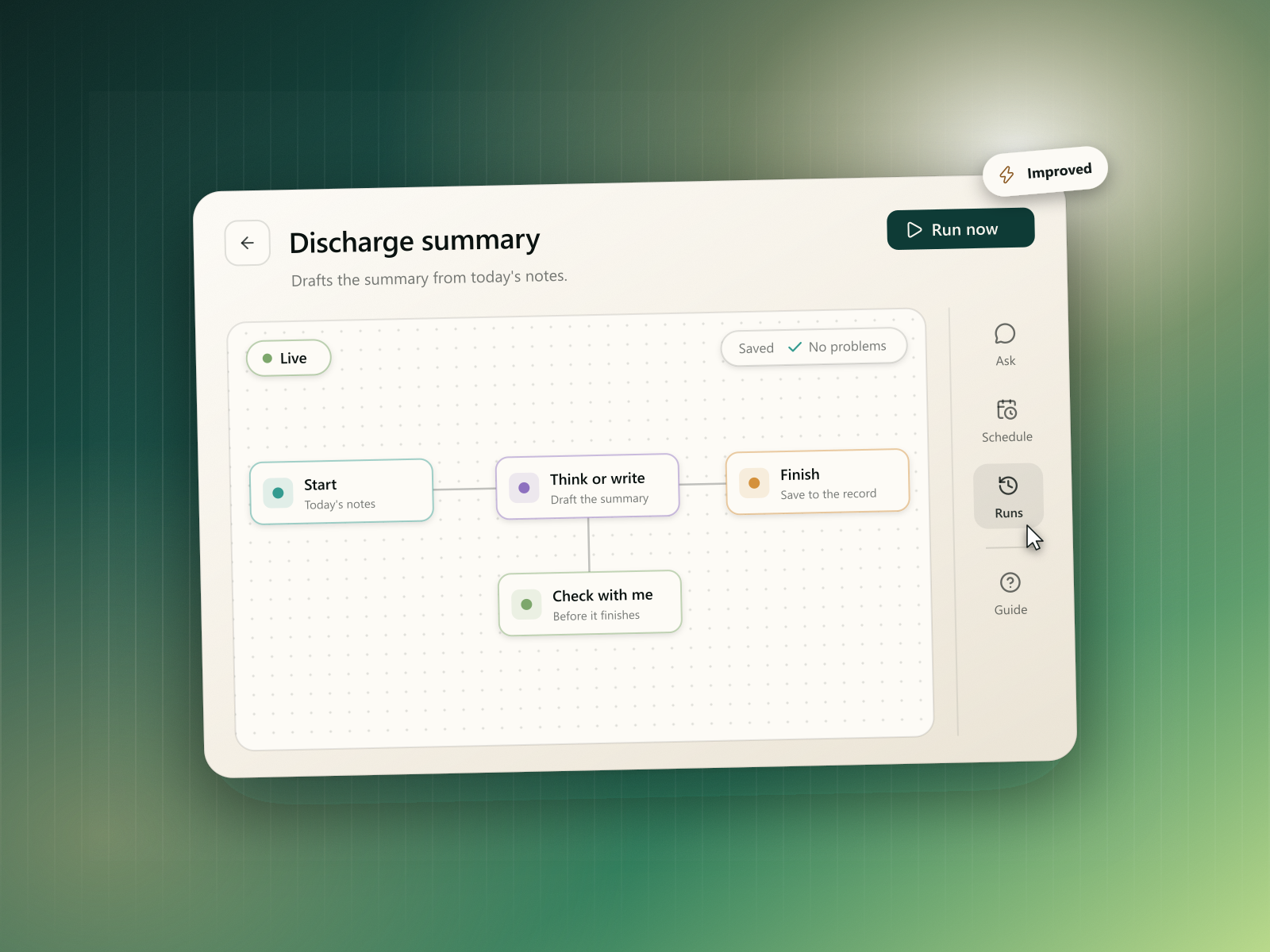
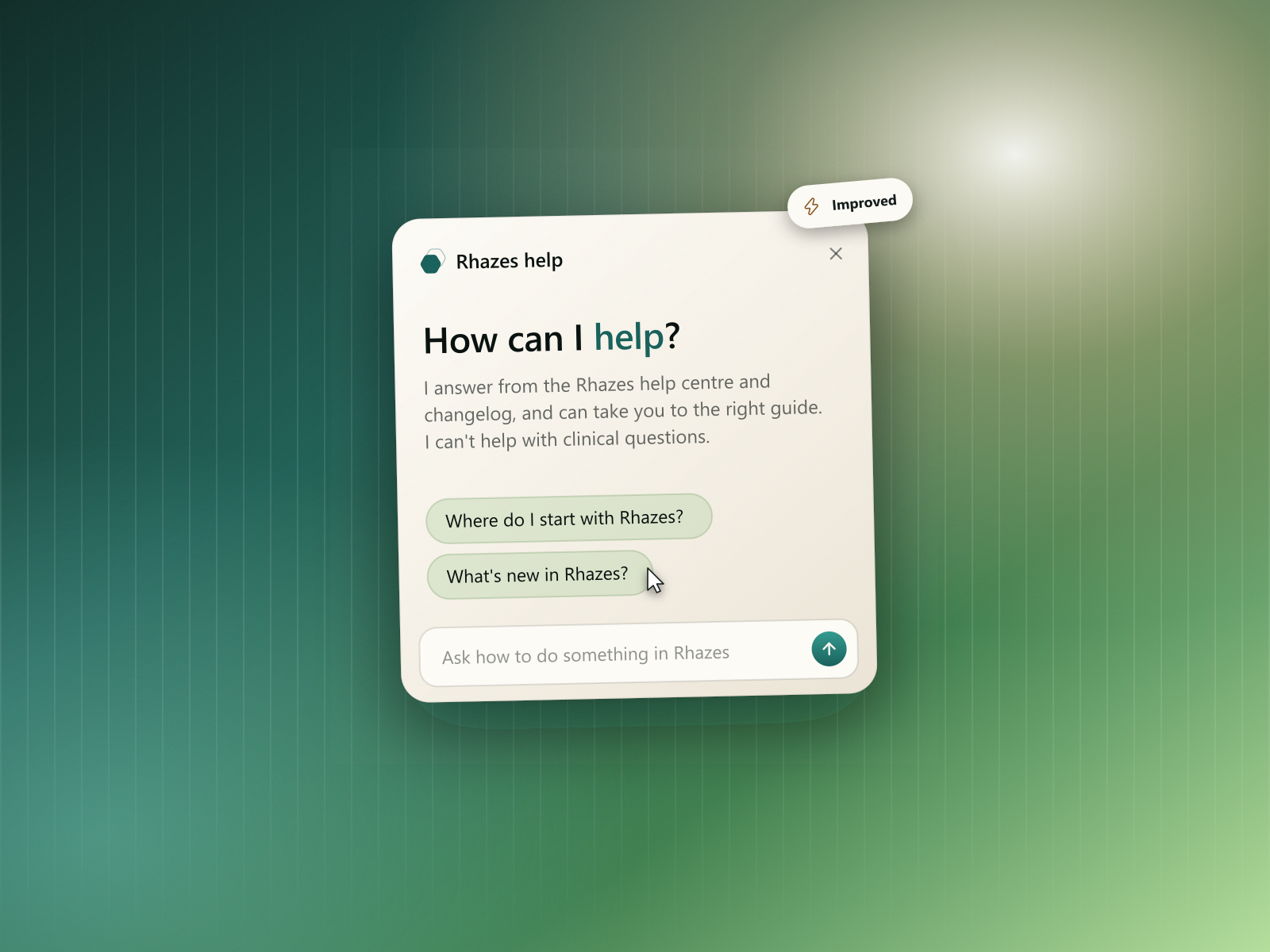
October was Rhazes' biggest month yet: it now speaks your language, works for whole teams, and asks you to sign off every note.
Rhazes in your language
Until now Rhazes was English only, which meant clinicians working in another language had to translate everything Rhazes wrote before they could use it. Now the whole app, and everything Rhazes writes, can be in your language.
Eight languages. Rhazes now works in English, French, Arabic, Spanish, German, Russian, Chinese and Portuguese. Pick your language from the account menu, and it's remembered on every device you sign in on.
Rhazes answers and writes in your language too. It's not only the buttons:
- Chat answers, generated notes, letters and documents come out in the language you chose.
- The default note templates are translated, so a new note starts in your language.
- Progress messages while Rhazes works, workflow messages and audit reports are all translated.
- Dictation works in Russian, Chinese and Portuguese, alongside the languages it already supported.
- Quick-add tasks understand due dates written in your language, like "mañana" or "morgen".
Arabic reads right to left. The whole interface flips for Arabic, with fonts chosen for Arabic, Chinese and Russian text.
Pro for your team
Buy seats for your colleagues. When you buy Pro you can add seats for colleagues, and they get Pro as soon as they accept your invite. You can pay for seats without taking one yourself, which suits a practice manager buying for a team.
- Invite by email or link. Colleagues can read an invite and decline it without an account, or sign up and join in one go.
- Change seats any time. Add seats straight away, or book a reduction for your next renewal. Billing settings shows every change on a timeline.
- Everyone's kept in the loop. Colleagues get an email when their seat is ending, has ended or has been removed.
Pricing and billing
- Prices in your currency. Pro is shown and charged in your local currency, based on where you are.
- Switch between monthly and yearly from the billing page, and see what yearly saves before you switch.
- New Pro price. Pro is now $44.99 a month, or $39.99 a month billed yearly. If you're on an earlier price, yours isn't changing, and the billing page tells you so.
- App store subscriptions count on the web. If you subscribed in the iPhone or Android app, Pro works on the web too.
- More time when a payment fails. You keep access for 14 days while a failed card payment is retried.
A simpler free plan
- Weekly credits. The free plan now has credits that reset every week, instead of a monthly allowance, so a busy day doesn't use up your whole month.
- See where you stand. A credits bar appears once you've used half your week, and you get an email when your credits reset.
Approve notes before they go out
- You sign off every note. Before a note is printed, emailed or copied, Rhazes asks you to review and approve it, and records that approval against that version of the note.
- Approve and print, Approve and send by email. Approving and sending are one step, so signing off doesn't slow you down.
- Every output carries the disclaimer, so anyone reading a note knows it was drafted with Rhazes and reviewed by you.
Spaces and chat
- Several spaces in one chat. Link up to five spaces to a chat and change them at any point. The chat marks where the spaces changed, so you can see which answers came from which sources.
- Web sources for a space. Add trusted websites to a space, and chats using that space search those sites.
- The guideline library. A new tab of curated clinical guidelines you can link to a chat like any space, filterable by section, with drafts and archived editions left out.
- Regenerate an answer. Ask Rhazes to try the latest answer again.
- Change the patient from the composer. Switch the linked patient from the patient chip without leaving the chat.
Sign in
- Sign in with Apple, alongside Google and email, with Google One Tap for a quicker start.
- A new welcome. Sign-in and sign-up open in a welcome dialog with a short tour of what Rhazes does, and the method you used last is marked.
- Setup that fits your work. New accounts are asked a few questions about their work, so Rhazes starts in the right place.
Rhazes on Android
- Get the Android app from Google Play. Rhazes offers it in your browser on Android, and shows a QR code in the sidebar on desktop so you can scan it from your phone.
Everything else
- Community. Shared templates and workflows have their own public pages, grouped by speciality. You can report an item or hide an author you don't want to see.
- A fresh look for every list. Spaces, patients, sessions, workflows and coding standards show richer cards, with a preview of what's inside: a space's newest files, a session's first exchange, a workflow's steps or a list's first codes.
- Tasks. Your day sits at the top with today's timeline, plus suggestions from Rhazes and what changed since yesterday. On a phone, a task opens in a drawer.
- Long recordings. Upload recordings up to 120 MB. They're processed in the background, so you can leave the page while you wait.
- Recording survives a dropped connection, picking up where it left off when you're back online.
- Device label. Settings > About shows the Rhazes Scribe device label, and the Instructions for Use are online.
- Deleting your account works from any browser and explains what happens to each kind of subscription first.
- Cookie choices. Visitors in the UK and EU are asked before analytics run, and one choice covers the app and the website.
Fixes & polish
- Billing reflects a cancellation made elsewhere without a reload.
- Help and What's new headers fit phone screens.
- Coding shows the patient record you picked in Selected items.
- Wiley article links open the article itself.
- A round of security and reliability hardening across sign-in, files and billing.