The second half of September made Rhazes easier to learn and harder to get stuck in.
Ask Rhazes help
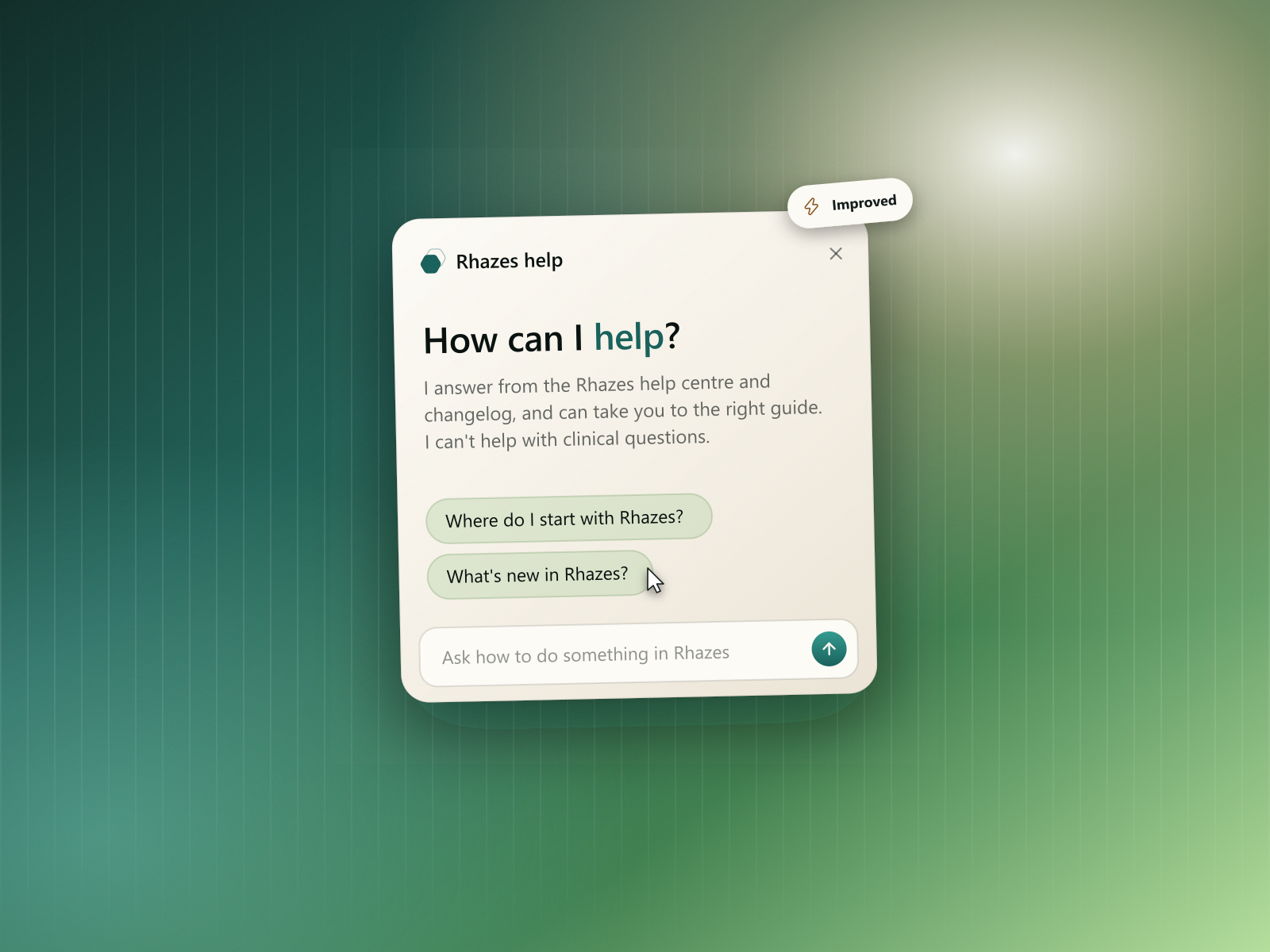
- A help assistant on every page. Open help and ask in your own words, like "how do I share a template?". Rhazes help answers from the help centre and the changelog and can take you straight to the right guide, so you don't have to search the articles yourself.
- It stays out of clinical questions. Rhazes help only answers questions about using Rhazes, so there's no confusion with the clinical answers you get in chat.
- Listen to what's new. Every changelog entry has a Listen button, so you can catch up on updates on a commute or between patients.
Audits
- A failed audit says so. If an audit can't finish, its card shows a Failed badge and the reason, instead of sitting on "running" forever.
- Try again in one click. A failed audit can be retried from where it is, without setting it up again.
- Importing guidelines starts clean. When you import a guideline into an audit, no standards are pre-selected, so you only audit against the ones you choose.
Workflows
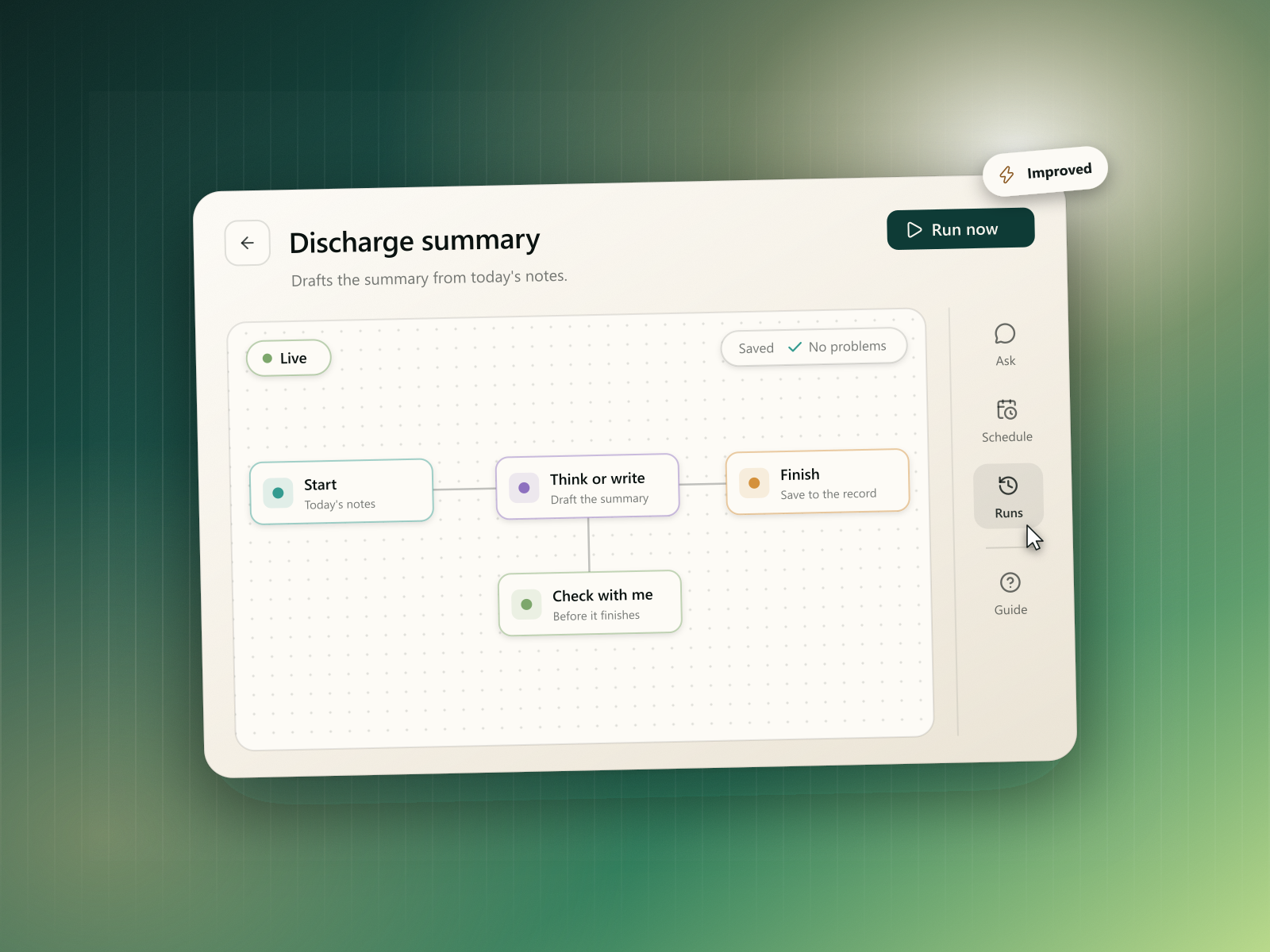
- Longer workflows. A workflow can now have up to 20 steps, up from 10, so a full review or admin routine fits in one workflow.
- Clearer errors from chat. Running an invalid workflow from a chat now says what's wrong with it, not just that it failed.
- Better patient handling. When a workflow creates a patient, it uses the NHS or CHI number it found as the reference, so records line up with your own systems.
- Neater notes. Task and sentence lists in a workflow's output now come out as proper bullet points.
Coding standards
- One view for a coding standard. The codes and the file they came from now open together in a single view, so you're not switching between screens to check a list.
Referral programme
- Clearer referral statuses. Refunded referrals now show as Refunded and paid ones as Paid, so your dashboard matches what you've actually earned.
- Clearer code errors. A referral code that's already taken, or one that won't apply at checkout, now says so plainly under the field.
Fixes & polish
- Shared clinical documents are sent by email more reliably.
- Transcription is faster and more consistent on long recordings.
- The postcoordination panel shows cluster codes correctly.
- The coding picker no longer shows Rhazes' internal reasoning, only the codes and their labels.
- Saved output previews on the patient page no longer show stray formatting.
- Profile setup clears an error as soon as you pick a value.
- A round of security hardening across links, files and email.