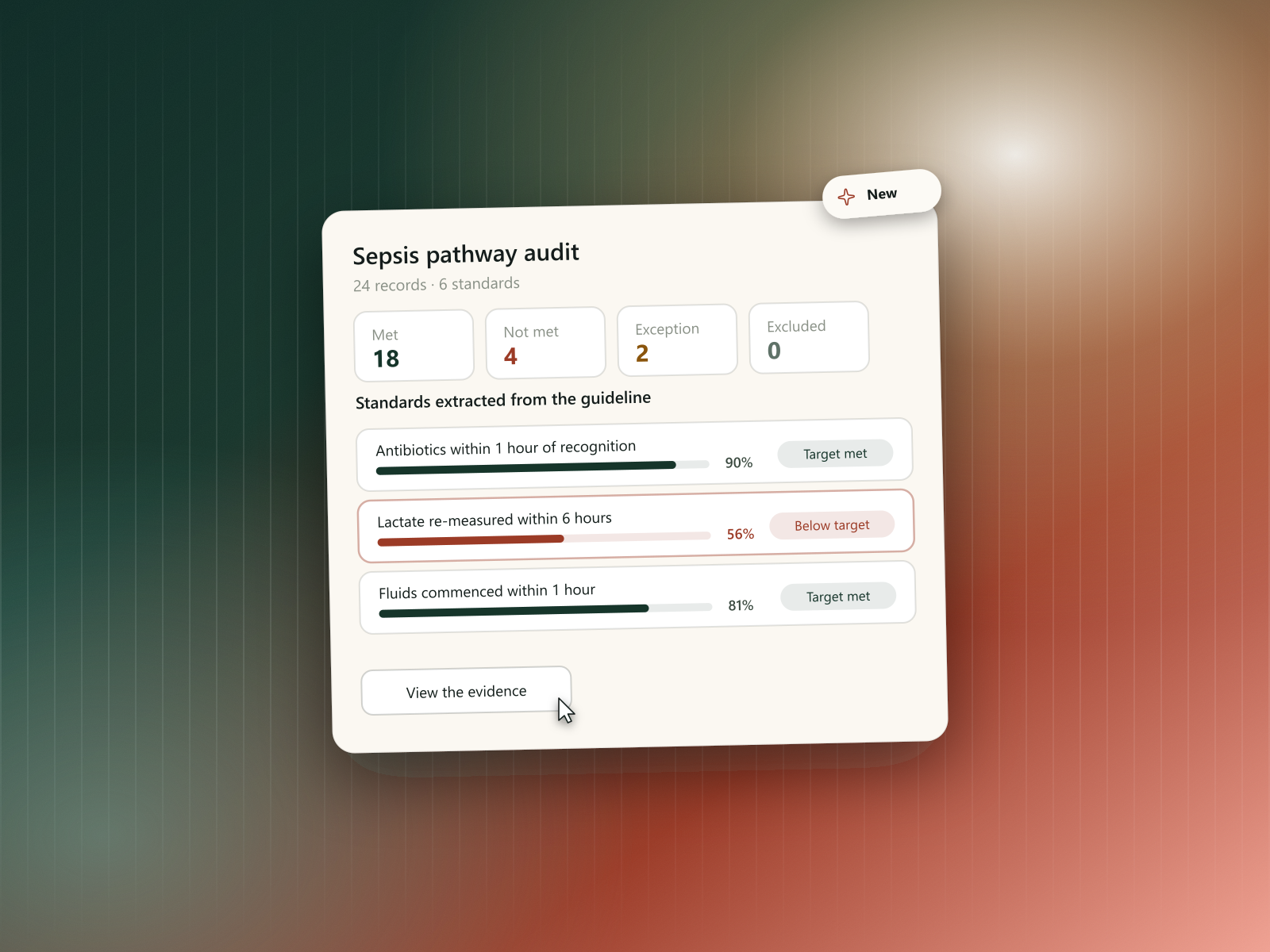
February added two things that change how an answer is reached: auditing documentation against real guidelines, and a mode where Rhazes asks for what's missing instead of guessing.
Audit: check documentation against clinical guidelines
Clinical audit normally means reading a guideline, writing its standards into a spreadsheet, then going through records one at a time ticking them off. Audit does that pass for you and shows its working.
Setting one up is a short wizard. You state the audit's purpose, choose the records to include, then upload the guideline itself — Rhazes reads it and extracts its standards for you, rather than you transcribing them. The extracted standards are yours to edit before anything runs: fix the wording, duplicate one, delete the ones that don't apply, and set the inclusion criteria that decide which records each standard should be judged against. A review step shows the finished setup before you commit.
Running it is visible. The audit streams its progress as it works through the records, so you can watch it advance instead of staring at a loading screen. A full-screen view makes reviewing evidence workable on a smaller display.
Every verdict is backed by evidence. Each record is marked against each standard — met, not met, an exception, or excluded — and behind every one of those you can open the evidence from the document itself, so you can check the judgement rather than take a pass/fail label on faith. Results roll up into a dashboard with compliance charts and a board of results by status, plus a carousel to step through standards one at a time.
- Audit is rolling out gradually and may not be available on every plan yet.
Information Gathering mode
The failure mode with a half-described case is an answer that sounds confident and quietly assumes the missing half. Information Gathering mode is the alternative: when Rhazes needs more before it can answer well, it says so and collects it.
The mode is deliberately impossible to miss, because the risk is thinking you asked a question when you were actually still adding to one. The page's ambient field turns copper, the status line above the composer names the state and counts what you've added so far, and the composer itself turns copper with a plus in place of send.
- Add as many pieces of context as you need — text or images — and send them together when you're ready.
- Added something by mistake? Individual items can be deleted before you send.
- Available right from the homepage, so a case you're still assembling doesn't have to start as a half-formed question.
Files & search: more accurate highlights, faster loading
- PDF highlight accuracy was improved, so the passage an answer points to actually matches what's referenced.
- Chat session files are now shown chronologically and are easier to browse, with a redesigned file viewer.
- Discover moved to its own dedicated page instead of a small card, so it's easier to find and use.
- Moving from the homepage into a chat is noticeably faster.
- File uploads in chat process faster.
- You can now view a file directly from a tool's result, instead of hunting for it elsewhere.
Citations, redesigned
- Source links now appear as smaller, truncated pills instead of long raw URLs cluttering the response.
- Links shown in citations are now checked for safety before being displayed.
Spaces: simpler visibility, open public spaces
- Space visibility settings were simplified.
- Public spaces can now be joined directly, instead of requiring a join request and an approval first.
Visual refresh, message timestamps, and profile registration number
- Refreshed the overall look and typography across the app.
- Messages now show a timestamp, so you can see when something was sent in a longer conversation.
- Create dialogs across the app are now more visually consistent.
- You can now add your professional registration number to your profile.
Fixes & polish
- Fixed a dropdown menu not working while in full-screen view.
- Fixed an issue where a lost connection could interrupt an already-in-progress answer instead of recovering gracefully.
- Fixed the patient editor's sizing, and made "use this space" work correctly for view-only users.
- Fixed an issue where a document's saved state could show incorrectly.
- Various smaller editor and full-screen layout fixes.


